TikTok Video Downloader for PC — Windows & Mac Complete Guide 2026
Download TikTok videos on Windows or Mac without watermark. Works in any browser — no software to install.
Building free video-download tools since 2024. Expert in web APIs, extractors, and multimedia processing across all major platforms.
Download Free HD Videos & Media
TikTok · Instagram Reels · Facebook · Twitter/X · 100% Free · No Watermark
Downloading TikTok videos on PC is the easiest way to get HD quality with zero watermark. No software, no Chrome extensions — just open your browser, paste the TikTok link, and click Download. SaveFromInternet.com works on Chrome, Firefox, Edge, and Safari on both Windows and Mac.
Step 1 — Copy the TikTok Link
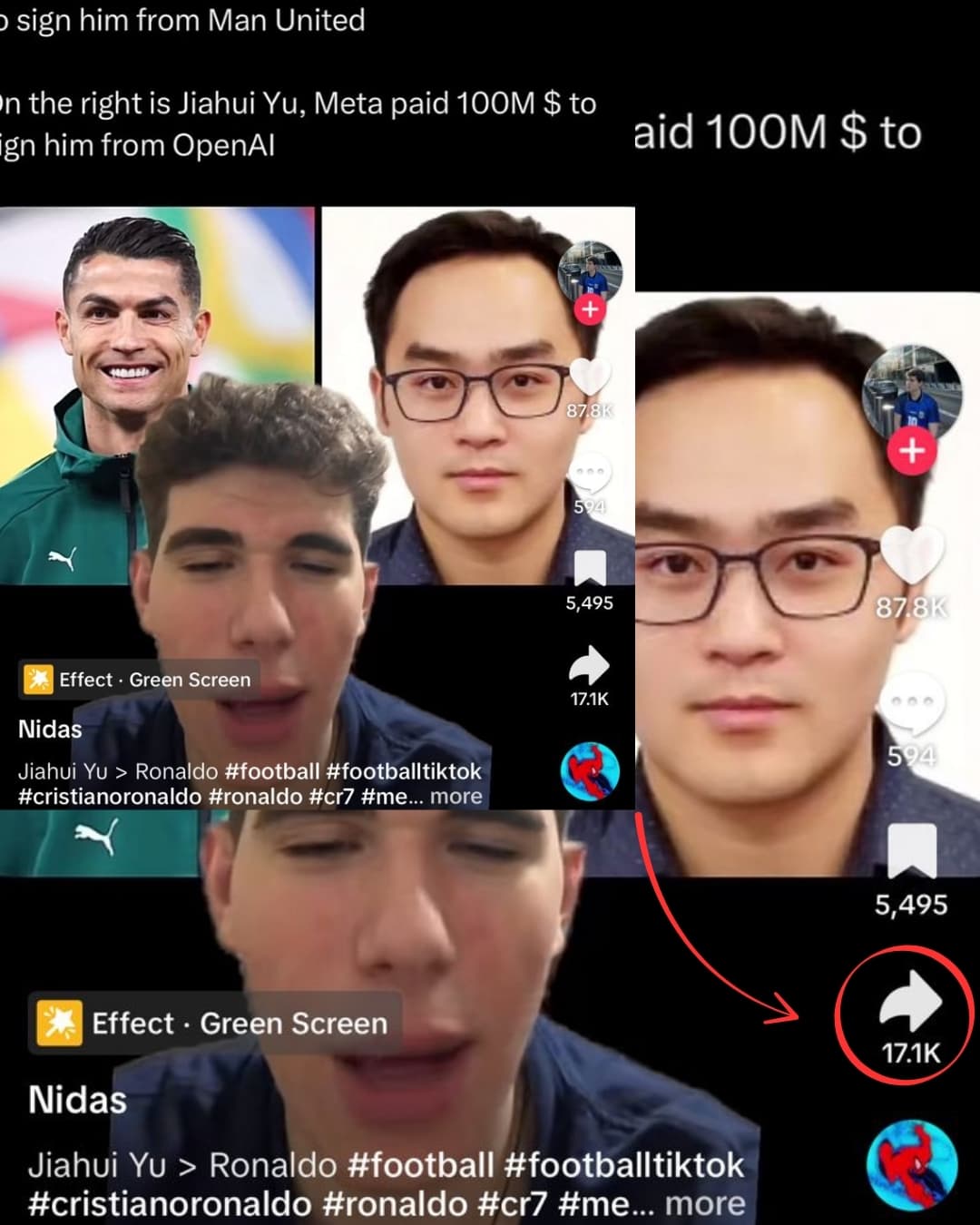
There are two ways to get the TikTok video URL on PC:
Option A — TikTok Website (tiktok.com)
- Open tiktok.com in your browser
- Find the video you want to download
- Click the URL in the address bar — it looks like
https://www.tiktok.com/@username/video/1234567890 - Press Ctrl+C (Windows) or Cmd+C (Mac) to copy
Option B — Share from Mobile App
- Open TikTok on your phone
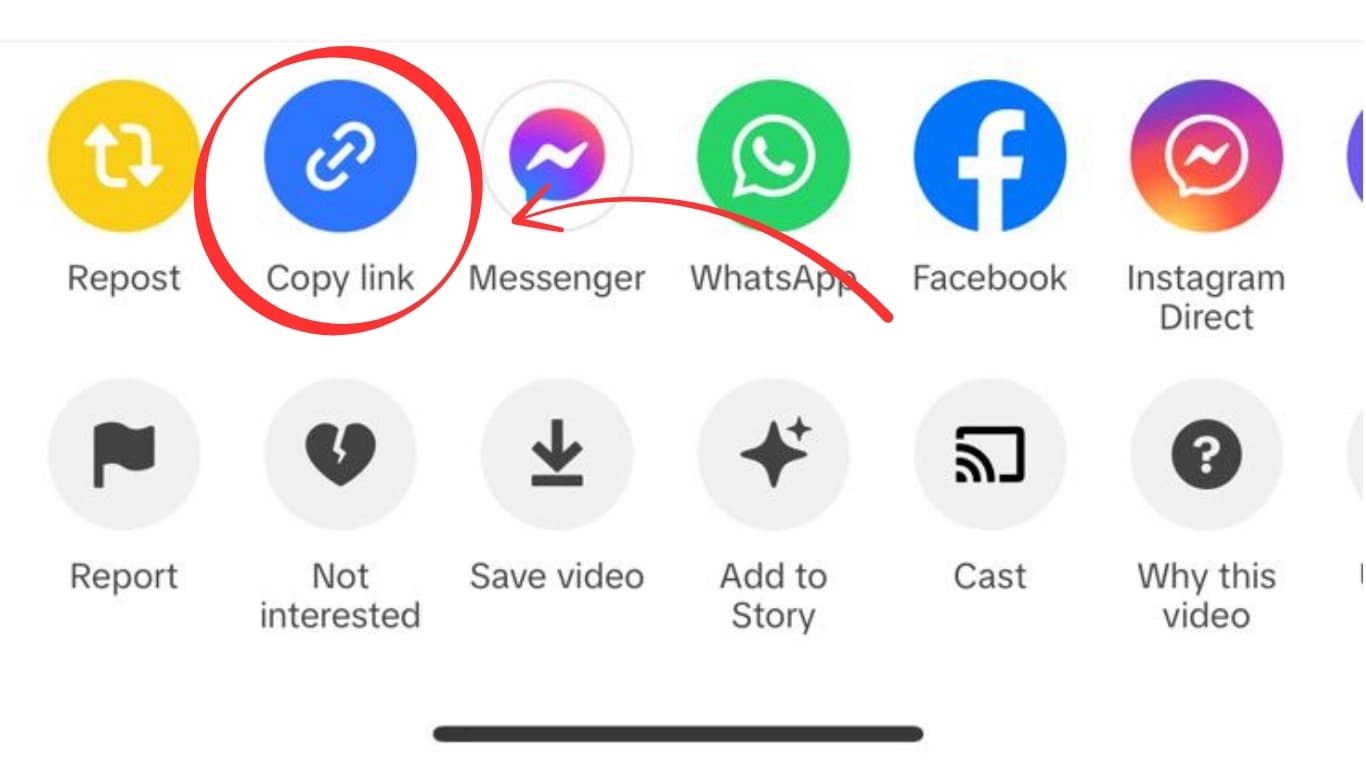
- Find the video → tap Share → tap Copy Link
- AirDrop it to your Mac, or paste it into a notes app and copy from there on your PC
Step 2 — Open SaveFromInternet.com on Your PC
- Open a new browser tab
- Go to savefrominternet.com
- Click the input field and press Ctrl+V (Windows) or Cmd+V (Mac) to paste the URL
- Click Download TikTok Video
- Wait 2–5 seconds for the server to process the link
Step 3 — Download the MP4

After processing, you will see download buttons:
- Download Video — saves the HD MP4 file (no watermark)
- Download Audio — saves the MP3 audio track only
Click Download Video. Your browser will save the MP4 to your Downloads folder automatically. On Chrome, you'll see the file appear in the bottom download bar. On Firefox, a save dialog appears.
Where Does the File Save?
- Windows:
C:\Users\YourName\Downloads\— also accessible from the Start Menu → Downloads - Mac:
/Users/YourName/Downloads/— accessible from the Finder sidebar or Dock - Change the save location: In Chrome → Settings → Advanced → Downloads → Change download location
Supported Browsers on PC
| Browser | Windows | Mac | Notes |
|---|---|---|---|
| Google Chrome | ✅ | ✅ | Best overall experience |
| Microsoft Edge | ✅ | ✅ | Windows default — works perfectly |
| Mozilla Firefox | ✅ | ✅ | Fully supported |
| Apple Safari | ❌ | ✅ | Mac only — smooth download manager |
| Brave / Opera GX | ✅ | ✅ | Chromium-based, excellent |
| Vivaldi | ✅ | ✅ | Full support |
PC vs Mobile Download — What's the Difference?
| Factor | PC Download | Mobile Download |
|---|---|---|
| Download process | Automatic — file saves directly | Tap-and-hold or Files app needed on iPhone |
| Quality | Identical — same CDN file | Identical |
| Watermark | None | None |
| Finding the file | Downloads folder | Files app or Gallery |
| Ease of use | Easier — one click saves the file | Slightly more steps on iPhone |
PC is the most straightforward way to download TikTok videos — the browser handles the file save in one click without any additional steps.
How to Download TikTok Photo Carousels on PC
TikTok's photo carousel posts (multiple images in one post) are supported too. After pasting the URL and processing:
- The tool detects it is a photo carousel
- You see individual image download buttons plus a Download All as ZIP option
- Click Download All as ZIP to get all images in one click
- Extract the ZIP in your Downloads folder to access all images
How to Download TikTok Audio (MP3) on PC
To extract just the audio from a TikTok video:
- Paste the TikTok URL as normal
- After processing, click Download Audio instead of Download Video
- The MP3 saves to your Downloads folder
This works for any TikTok including music videos, voiceovers, and original sounds. The audio quality matches what TikTok stores — typically 128kbps AAC.
Can I Download Private TikTok Videos on PC?
No. Private TikTok videos are not accessible to the public. The downloader fetches files from TikTok's public CDN — if you cannot view the video in your browser without logging in, the downloader cannot access it either. Only public TikTok videos can be downloaded.
Frequently Asked Questions
Do I need to install any software on my PC?
No. Everything runs in your browser — no Chrome extension, no desktop app, no installation of any kind. The website handles all the processing.
What video quality will I get?
The original TikTok quality — typically 720p or 1080p depending on what the creator uploaded. No additional compression happens during the download.
Will TikTok know I downloaded the video?
No. The download process is private and TikTok has no mechanism to detect it. The creator does not receive any notification.
The file downloaded but won't play — what do I do?
The file is an MP4 and should play in VLC, Windows Media Player, QuickTime, or any modern browser. If your default player doesn't open it, right-click the file → Open With → choose VLC or your preferred player.
How long does the download take?
Processing takes 2–5 seconds. The actual file download speed depends on your internet connection — a typical 30-second TikTok at 1080p is about 30–80 MB.
Can I download TikTok Live replays on PC?
TikTok Live replays are only available for a limited time after the stream ends and depend on the creator enabling replay. If the replay is public and accessible in your browser, you can paste the URL and download it the same way.
Batch Downloading Multiple TikToks on PC
PC makes it especially fast to download multiple TikTok videos in a row:
- Open tiktok.com in one browser tab and savefrominternet.com in a second tab
- Copy a TikTok URL from tab 1, switch to tab 2, paste and download
- While the file is downloading, switch back to tab 1 and copy the next URL
- Switch back to tab 2 and start the next download
On PC, downloads run in the background — you can queue multiple downloads and they save automatically to your Downloads folder.
Related Guides
Photo by Andrew Neel on Unsplash
Download Videos, Reels & Audio Without Watermark
Paste any link into our free browser tools. Fast HD MP4 downloads, 320kbps MP3 audio extraction, and full-resolution photo carousels.