How to Download Telegram Videos to Your Phone (2026 Guide)
Save Telegram videos and media files directly to your phone's gallery — iPhone and Android guide for 2026.
Building free video-download tools since 2024. Expert in web APIs, extractors, and multimedia processing across all major platforms.
Download Free HD Videos & Media
TikTok · Instagram Reels · Facebook · Twitter/X · 100% Free · No Watermark
Telegram is one of the fastest-growing messaging apps in 2026, with massive channels sharing videos, news, entertainment, and tutorials. While Telegram makes it relatively easy to save media within the app, getting those videos to your phone's gallery requires a couple of extra steps. Here's how.
Types of Telegram Content You Can Download
- Videos shared in private chats or group chats
- Videos posted in public Telegram channels
- Media from bots and automated channels
- Files shared as documents (including video files)

Method 1 — Save Directly From Telegram App (Easiest)
For most videos in Telegram, the simplest method works:
- Open the video in Telegram
- Tap the download icon (↓ arrow) if shown, or tap and hold the video
- Select Save to Downloads or Save to Gallery
- The video saves to your device's Downloads or Gallery
On iPhone, Telegram saves to its own in-app storage first. Go to Settings → Data and Storage → Save to Gallery and enable it to auto-save to Camera Roll.
Method 2 — Download From a Public Telegram Channel
If you want to share a public channel video or download via a link:
- Open the Telegram channel on telegram.org (web version) or t.me in a browser
- Find the post with the video
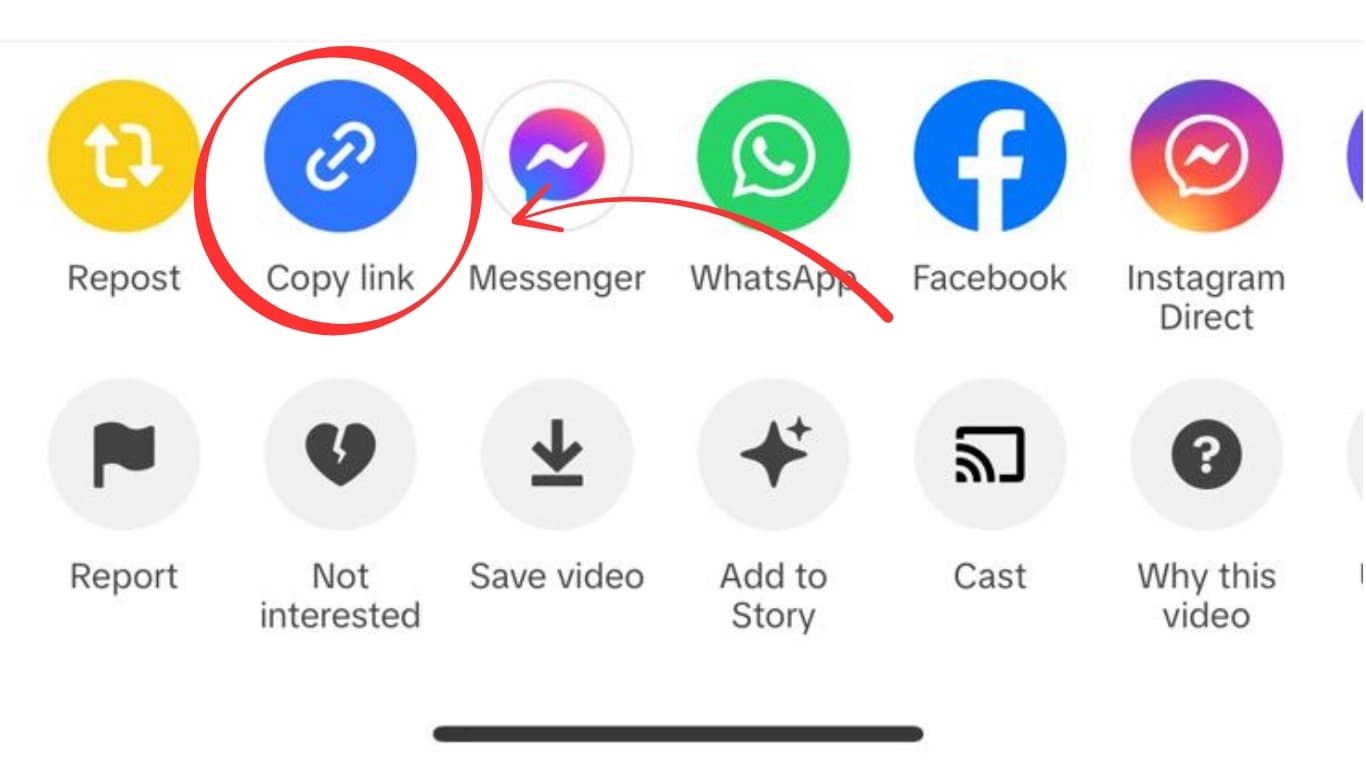
- Copy the post URL (e.g.,
t.me/channelname/123) - Open savefrominternet.com
- Paste the Telegram post URL and download
Method 3 — Enable Auto-Download in Telegram Settings
For heavy Telegram users, the best option is enabling automatic media download:
- Go to Settings → Data and Storage
- Under Automatic Media Download, enable videos for WiFi and/or cellular
- Under Save to Gallery, toggle on All Media
- All future videos will auto-save to your Camera Roll
Telegram Video Quality
Telegram doesn't compress videos as aggressively as WhatsApp or Instagram. Many Telegram videos are shared at 720p to 1080p and sometimes higher. File sizes can be large — Telegram supports files up to 2 GB per file.
Frequently Asked Questions
Can you download videos from private Telegram groups?
Yes, if you are a member of the group. Videos in groups you're part of can be saved to your device using the Telegram app's native save function.
Why can't I save some Telegram videos?
Some channel admins enable "Restrict Saving Content" which prevents forwarding and saving. In this case, only screen recording is possible.
Does Telegram notify users when you save their video?
No. Telegram does not send notifications for saves or screenshots.
Related Guides
Photo by Rubaitul Azad on Unsplash
Download Videos, Reels & Audio Without Watermark
Paste any link into our free browser tools. Fast HD MP4 downloads, 320kbps MP3 audio extraction, and full-resolution photo carousels.