How to Download Instagram Photos & Carousels Without Any App (2026)
Save any Instagram photo post or carousel to your device in original quality — no app, no login, works on iPhone and Android.
Building free video-download tools since 2024. Expert in web APIs, extractors, and multimedia processing across all major platforms.
Download Free HD Videos & Media
TikTok · Instagram Reels · Facebook · Twitter/X · 100% Free · No Watermark
Instagram makes it easy to share photos but surprisingly hard to save them. Whether you want to download a single post or grab all 10 images from a carousel, this guide covers every method that works in 2026 — no app needed.
What You Can Download
- Single photo posts (JPG, original resolution)
- Multi-photo carousels (all images at once)
- Photo-based Reels thumbnails
- Posts from public accounts
How to Download a Single Instagram Photo
- Open the Instagram post you want to save
- Tap the three-dot menu (⋯) in the top-right corner of the post
- Tap Copy Link
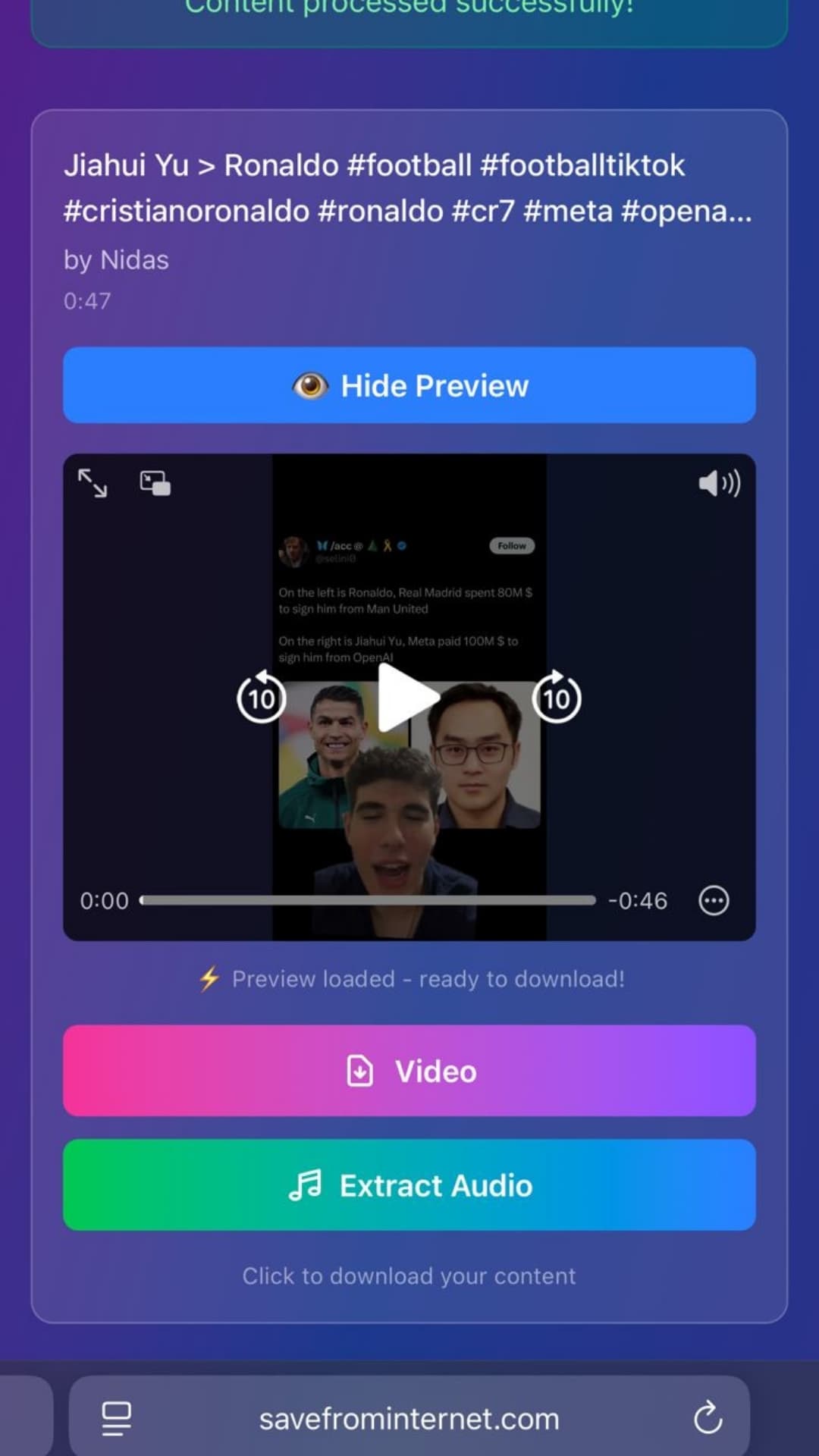
- Go to savefrominternet.com in your browser
- Paste the URL and click Download
- The original-quality JPG downloads to your device
How to Download an Instagram Carousel (All Photos)
Carousels can contain up to 10 photos or videos. SaveFromInternet downloads all of them at once:
- Copy the carousel post link using the same steps above
- Paste into savefrominternet.com
- Click Show Images to reveal all photos in the carousel
- Download individually or as a ZIP archive
Downloading on Desktop (Chrome, Firefox, Safari)
On a computer, downloading is even simpler:
- Open instagram.com and navigate to the photo post
- Copy the URL from your browser's address bar
- Open savefrominternet.com in a new tab
- Paste and download — the file saves to your Downloads folder
What Resolution Are the Downloaded Photos?
Instagram compresses photos when uploaded. Downloads are in the same quality Instagram stores — typically 1080 × 1080 px for square posts or 1080 × 1350 px for portrait posts. You get exactly what the creator uploaded, with no additional compression.
Can You Download from Private Accounts?
Only if you follow the account and can view the post. Third-party downloaders cannot bypass Instagram's privacy settings — and they shouldn't.
Frequently Asked Questions
Does Instagram notify users when you save their photo?
No. Instagram does not send any notification when someone downloads or screenshots a post from a public account.
Is downloading Instagram photos legal?
Saving photos for personal use is generally fine. Re-publishing or monetizing someone else's photos without permission may violate copyright. Always credit creators when sharing.
Why does my saved photo look low quality?
Instagram compresses images on upload. If the original looks sharp on Instagram, your download will match that quality. Blurriness comes from the original, not the download process.
Related Guides
Photo by Brett Jordan on Unsplash
Download Videos, Reels & Audio Without Watermark
Paste any link into our free browser tools. Fast HD MP4 downloads, 320kbps MP3 audio extraction, and full-resolution photo carousels.