How to Convert TikTok Videos to GIF for Free (2026 Guide)
Turn any TikTok clip into a shareable GIF in seconds. Step-by-step free method — no Photoshop, no app required.
Building free video-download tools since 2024. Expert in web APIs, extractors, and multimedia processing across all major platforms.
Download Free HD Videos & Media
TikTok · Instagram Reels · Facebook · Twitter/X · 100% Free · No Watermark
GIFs are the lingua franca of online culture — perfect for reactions, memes, and sharing moments without sound. Converting a TikTok video to GIF takes just two steps: download the video, then convert it. Here's the full process in 2026.
Step 1 — Download the TikTok Video
First, get the clean MP4 file from TikTok:
- Copy the TikTok video URL
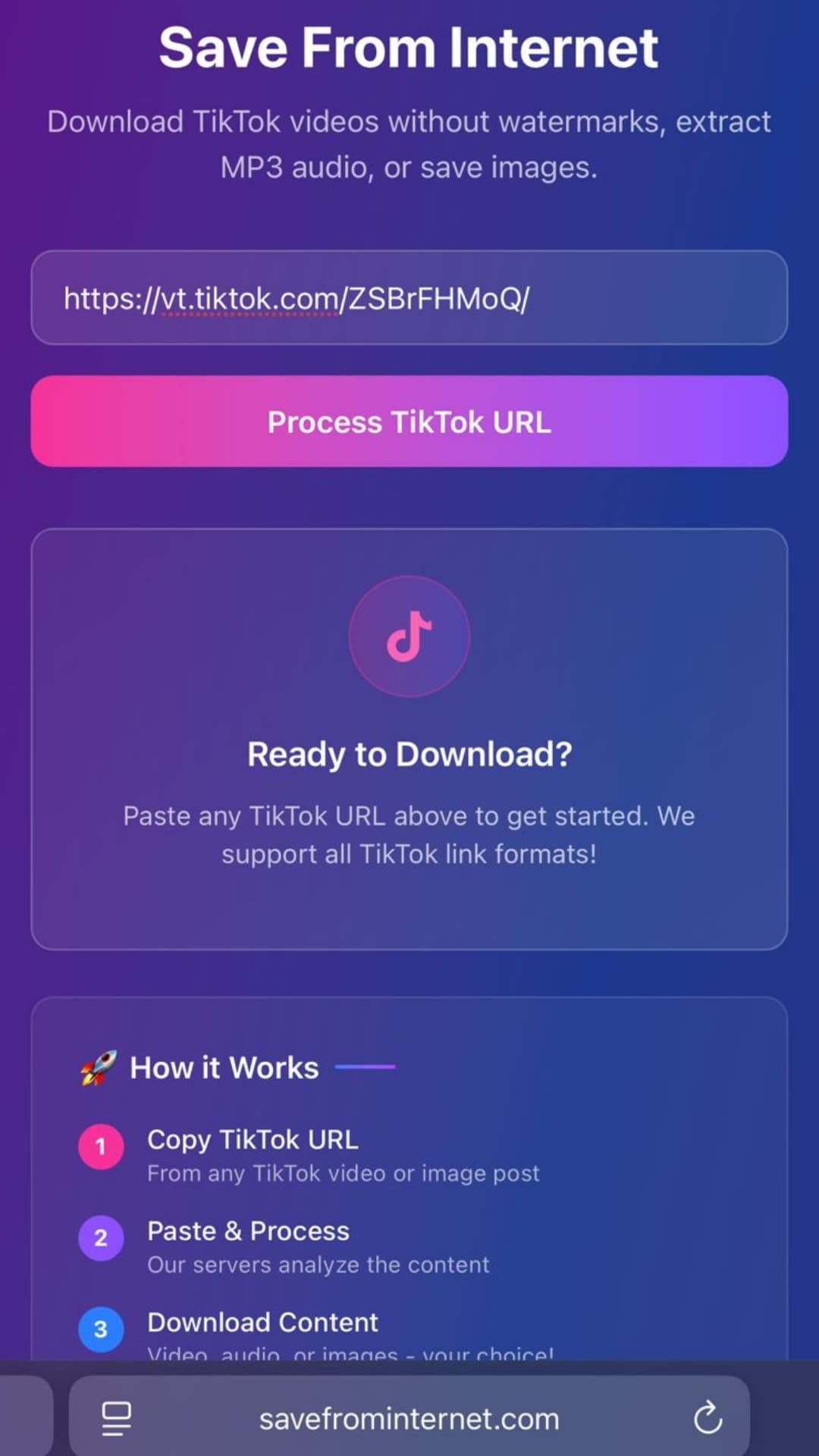
- Go to savefrominternet.com
- Paste the URL and click Download → Download Video
- You now have an MP4 file on your device
Step 2 — Convert MP4 to GIF
These free tools work great for TikTok-to-GIF conversion:
Option A — Giphy (Web, Free)
- Go to giphy.com → click Create
- Upload your downloaded TikTok MP4
- Trim the clip to the moment you want (max 15 seconds recommended)
- Add captions or stickers (optional)
- Click Create GIF → download or share directly
Option B — Ezgif.com (Web, Free, No Account)
- Go to ezgif.com/video-to-gif
- Upload your MP4 or paste a URL
- Set start/end time, frame rate, and size
- Click Convert to GIF
- Download the GIF file
Ezgif is the cleanest and fastest option — no signup, no ads, just pure conversion.
Option C — CapCut (Mobile App)
- Import the downloaded TikTok video into CapCut
- Tap Export → select Export as GIF
- Adjust quality and frame rate
- Export to Camera Roll
Tips for a Good TikTok GIF
- Keep it short: GIFs over 10 seconds become huge files and load slowly. 3–6 seconds is ideal
- Lower the frame rate: 15 fps looks smooth for most content and keeps file size small
- Reduce size if needed: Most GIF platforms work best under 10 MB
- Trim to the key moment: The best GIFs capture a single reaction or action
Where to Use TikTok GIFs
- Discord — paste directly into chats
- Slack — great for team reactions
- Reddit — embed in comments with GIF hosting
- Twitter/X — attach as animated media
- Tenor/Giphy — upload to share anywhere online
Frequently Asked Questions
Do I need a TikTok account to get the video?
No. Public TikTok videos can be downloaded without an account via savefrominternet.com.
Why is my GIF blurry?
GIFs support a maximum of 256 colors per frame and no audio. They always look slightly worse than the source video. Using a higher quality source video and a higher frame rate helps.
Related Guides
Photo by Tyler Lastovich on Unsplash
Download Videos, Reels & Audio Without Watermark
Paste any link into our free browser tools. Fast HD MP4 downloads, 320kbps MP3 audio extraction, and full-resolution photo carousels.