How to Download Twitch Clips & VODs — Free Online Guide 2026
Save any Twitch clip or VOD for offline viewing. Free, browser-based guide that works without any Twitch account.
Building free video-download tools since 2024. Expert in web APIs, extractors, and multimedia processing across all major platforms.
Download Free HD Videos & Media
TikTok · Instagram Reels · Facebook · Twitter/X · 100% Free · No Watermark
Twitch is the world's biggest live streaming platform — home to gaming, creative streams, music, and talk shows. Clips and VODs are great content, but Twitch doesn't make them easy to download. Here's how to save them in 2026.
Twitch Clips vs Twitch VODs — What's the Difference?
- Clips: Short highlights (max 60 seconds) created by viewers or streamers. They have permanent URLs and never expire.
- VODs (Videos on Demand): Full past broadcasts. They expire after 14–60 days depending on the streamer's subscription tier.
- Highlights: Edited sections of a VOD that streamers save permanently.
Clips are the easiest to download. VODs require faster action since they expire.
How to Download Twitch Clips (Step by Step)
- Find the Twitch clip you want to save (URL looks like:
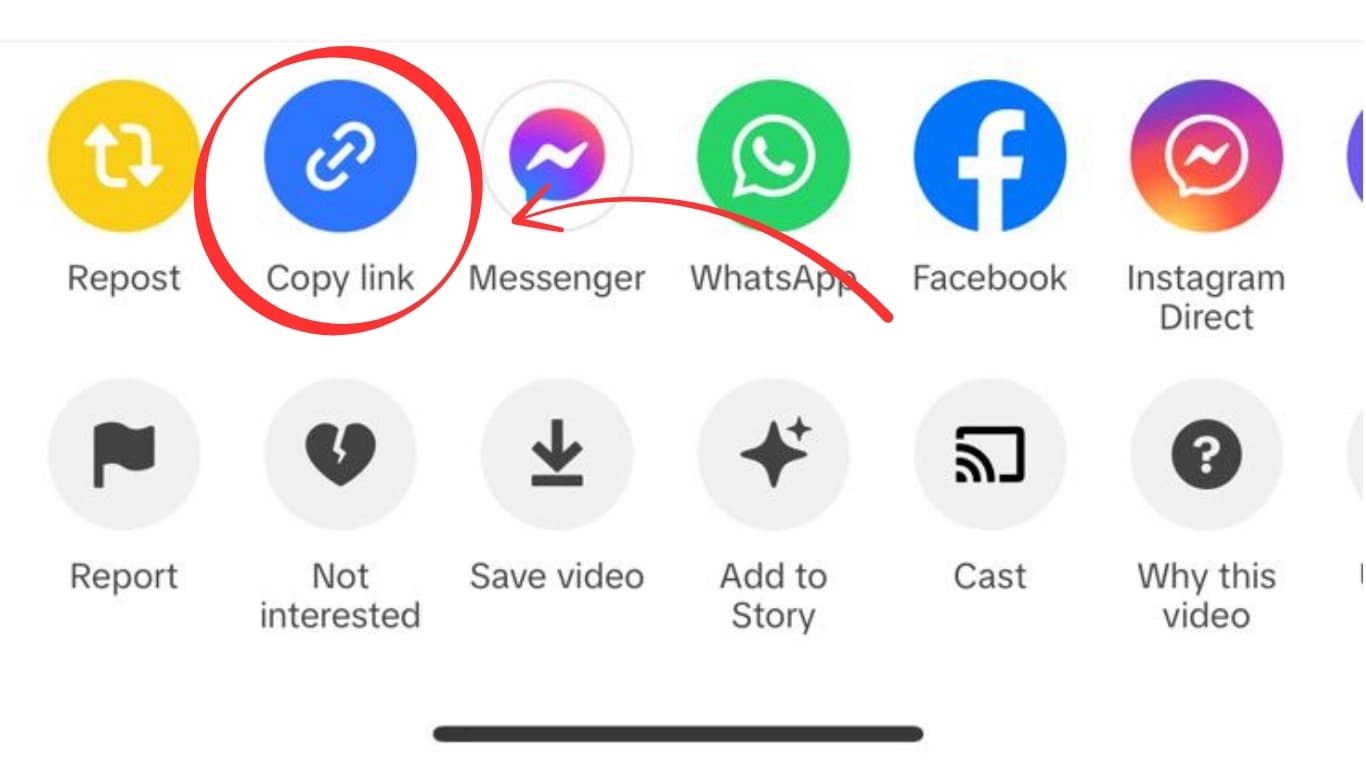
clips.twitch.tv/...) - Copy the clip URL from your browser's address bar
- Open savefrominternet.com
- Paste the Twitch clip URL
- Click Download
- Select Download Video — the MP4 saves to your device
How to Download Twitch VODs
- Go to the streamer's channel → click Videos tab
- Find the VOD you want → click to open it
- Copy the VOD URL (looks like:
twitch.tv/videos/XXXXXXXXX) - Paste into savefrominternet.com
- Click Download
Act fast — non-partner/affiliate streamers' VODs expire in 14 days. Partner/affiliate VODs last 60 days. Once expired, they're gone for good.
Can You Download from a Subscription-Only Channel?
If the content requires a Twitch subscription to view, you need to be a subscriber first. Once you can view it in your browser, you can download it using the method above.
What Quality Do Twitch Downloads Come In?
Twitch stores clips and VODs at the quality they were broadcast — typically 720p60 or 1080p60 for most streamers. You download at source quality.
Frequently Asked Questions
Does Twitch notify the streamer when you download their clip?
No. Twitch does not notify streamers about clip or VOD downloads.
Can I download my own Twitch VODs?
Yes. You can also download your own VODs directly from the Twitch Creator Dashboard under Video Producer — Twitch provides a native download button for your own content.
What format do Twitch clips download in?
MP4 — the most universally compatible video format.
Related Guides
Photo by Sharad kachhi on Unsplash
Download Videos, Reels & Audio Without Watermark
Paste any link into our free browser tools. Fast HD MP4 downloads, 320kbps MP3 audio extraction, and full-resolution photo carousels.