How to Download Social Media Videos for Offline Viewing While Traveling (2026)
Flying or heading to a no-wifi zone? Here's how to bulk download TikTok, Instagram, and Twitter/X videos before you leave.
Building free video-download tools since 2024. Expert in web APIs, extractors, and multimedia processing across all major platforms.
Download Free HD Videos & Media
TikTok · Instagram Reels · Facebook · Twitter/X · 100% Free · No Watermark
Long flight ahead? Road trip through rural areas? Traveling internationally where data costs a fortune? Downloading your favorite social media videos before you leave means hours of entertainment without touching your data plan. Here's the complete 2026 guide.
The Pre-Travel Download Checklist
- ✅ TikTok videos you want to watch or save
- ✅ Instagram Reels for travel inspiration
- ✅ Twitter/X tutorials or vlogs relevant to your destination
- ✅ Podcasts or audio content (MP3)
- ✅ Maps and navigation data (Google Maps offline areas)

Downloading TikTok Videos for Offline Viewing
- Browse your TikTok For You page and heart all videos you want to keep
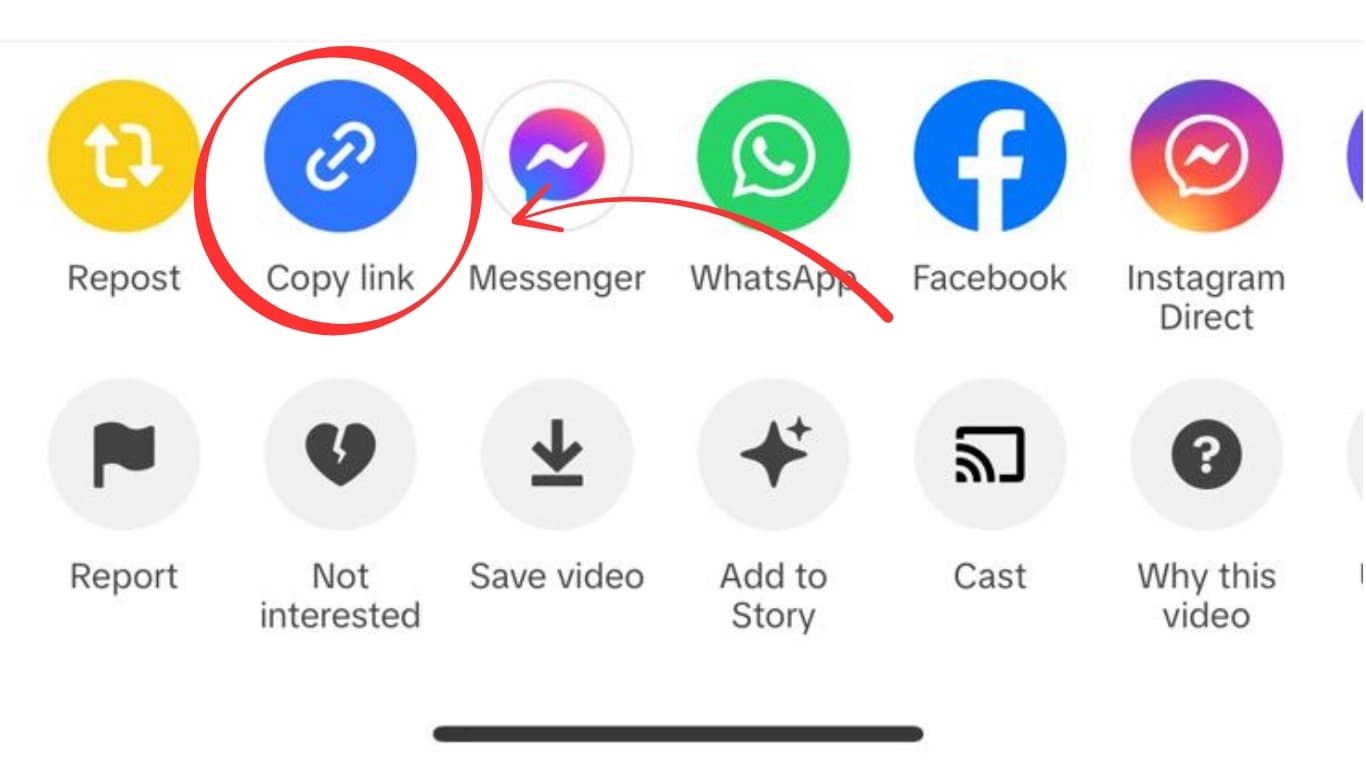
- From your Favorites tab, copy the link for each video
- Open savefrominternet.com
- Download each video — they save as MP4 to your device
- Open with your phone's built-in video player offline
Pro tip: Do all downloads on WiFi — each 60-second TikTok is ~15–50 MB.
Downloading Instagram Reels Offline
- Bookmark Reels you want to save (heart icon)
- For each Reel: tap ⋯ → Copy Link
- Paste into savefrominternet.com → Download
- Videos save to Camera Roll (iPhone) or Gallery (Android)
Downloading Twitter/X for Offline
Twitter/X has two options:
- Twitter/X Premium (paid): Built-in offline downloads within the Twitter/X app
- SaveFromInternet (free): Download any video as MP4 via our tool — watch in any video player
Storage Planning — How Much Space Do You Need?
| Content Type | Avg Size | 1 GB = ~ |
|---|---|---|
| TikTok video (60 sec, 1080p) | 15–50 MB | 20–65 videos |
| Instagram Reel (30 sec) | 10–25 MB | 40–100 Reels |
| Twitter/X video (10 min, 1080p) | 200–500 MB | 2–5 videos |
| MP3 audio (1 hr) | ~60 MB | 16 hrs of audio |
Frequently Asked Questions
Can I watch downloaded TikTok videos without the TikTok app?
Yes! Downloaded MP4 files play in any video player — Photos app (iPhone), Gallery (Android), VLC, or any media player. No TikTok app needed offline.
How long does the download process take?
On a fast WiFi connection, each video takes 5–30 seconds. Download 50 videos in under 30 minutes.
Related Guides
Download Videos, Reels & Audio Without Watermark
Paste any link into our free browser tools. Fast HD MP4 downloads, 320kbps MP3 audio extraction, and full-resolution photo carousels.