
YouTube to MP4 Converter Free — Best Online Tools 2026
Convert YouTube videos to MP4 online for free. No software, no limit — we tested the best tools of 2026 so you don't have to.
Building free video-download tools since 2024. Expert in web APIs, TikTok extractors, and multimedia processing across all major platforms.
Advertisement
Download TikTok videos — 100% free
TikTok · Instagram · YouTube · Facebook · Twitter/X · No watermark · No app
MP4 is the gold standard for video — it plays on every device, every player, and every operating system. Converting YouTube videos to MP4 is simple when you use the right tool. Here's the fastest method in 2026.
Why MP4?
- Plays natively on iPhone, Android, Windows, Mac, Smart TVs
- Supported by all video editors (Premiere, Final Cut, DaVinci Resolve)
- Better compression than AVI or MOV without quality loss
- The standard format YouTube itself uses internally

How to Convert YouTube to MP4 — Fastest Method (2026)
- Copy the YouTube video URL from your browser
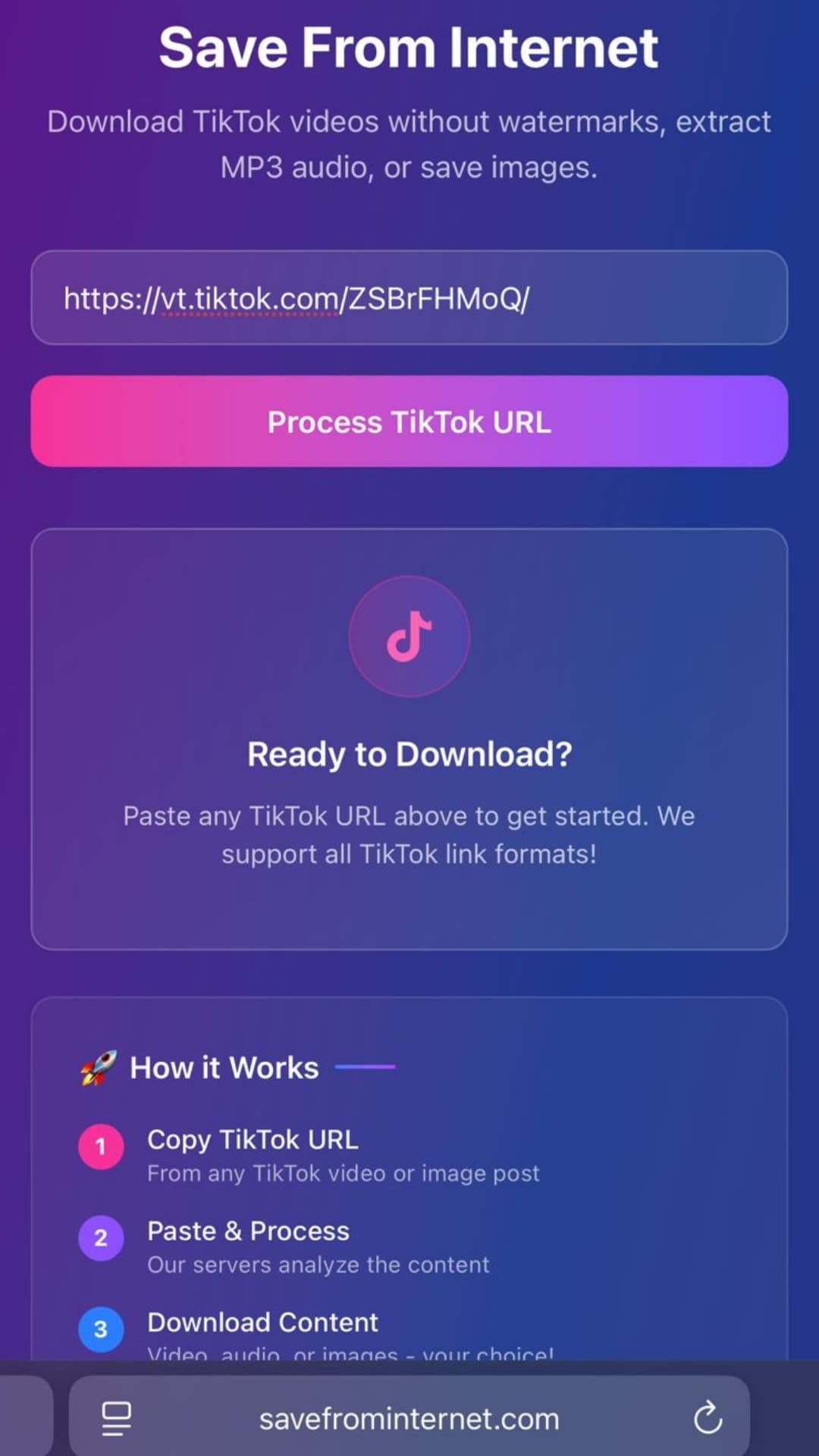
- Open savefrominternet.com
- Paste the URL into the search box
- Click Download
- Select Download Video (MP4)
- Your file is ready — no conversion wait time, no queue
Quality Comparison: 720p vs 1080p vs 4K MP4
| Quality | Resolution | Approx. Size (5 min) | Best For |
|---|---|---|---|
| HD | 1280×720 | ~150 MB | Mobile, storage-conscious |
| Full HD | 1920×1080 | ~300 MB | General use, editing |
| 4K | 3840×2160 | ~1.2 GB | Professional editing, 4K screens |
Does YouTube to MP4 Work for Long Videos?
Yes. There's no length limit. Whether it's a 3-minute music video or a 3-hour lecture, the process is identical. Longer videos simply take a few extra seconds to process.
Best YouTube to MP4 Converters in 2026
- SaveFromInternet.com — Fastest, no ads interrupting the process, HD quality, also does audio
- Y2Mate — Popular but heavy on ads and pop-ups
- 9Convert — Clean interface, limited quality options
- OnlineVideoConverter — Slower processing, more formats available
SaveFromInternet consistently ranks #1 for speed and cleanliness.
Frequently Asked Questions
Is YouTube to MP4 conversion free?
Yes, completely free at savefrominternet.com. No account, no credit card, no watermark on the output.
Will the MP4 have the YouTube logo or watermark?
No. The downloaded MP4 is the raw source video from YouTube — no watermarks or overlays are added.
Can I convert YouTube Shorts to MP4?
Yes. YouTube Shorts are just regular YouTube videos in vertical format. The conversion process is identical.
Related Guides
Advertisement
Download Videos Without Watermark — Free
TikTok · Instagram Reels · YouTube Shorts · Facebook · Twitter/X
Paste any link and get an HD video, MP3, or photo ZIP in seconds. No app, no sign-up.
Download NowAdvertisement


