
YouTube to MP3 Converter Free — Extract Audio Online 2026
Convert any YouTube video to MP3 for free online. High quality audio, no software needed, works on iPhone, Android, and PC.
Ready to download? It's 100% free!
TikTok · Instagram · YouTube · Facebook · Twitter/X · No watermark · No app
Sponsored
YouTube has millions of songs, lectures, podcasts, and audio books — but no built-in way to save just the audio. Converting YouTube to MP3 lets you listen offline, use audio in projects, or set it as a ringtone. Here's the easiest free method in 2026.
Why Convert YouTube to MP3?
- Listen to music or podcasts offline without data usage
- Extract backing tracks for music production
- Save lectures or audiobooks for commuting
- Create ringtones from your favorite tracks
- Archive audio content before it's removed

How to Convert YouTube to MP3 Free (Step by Step)
- Go to YouTube and find the video you want to convert
- Copy the video URL from the address bar
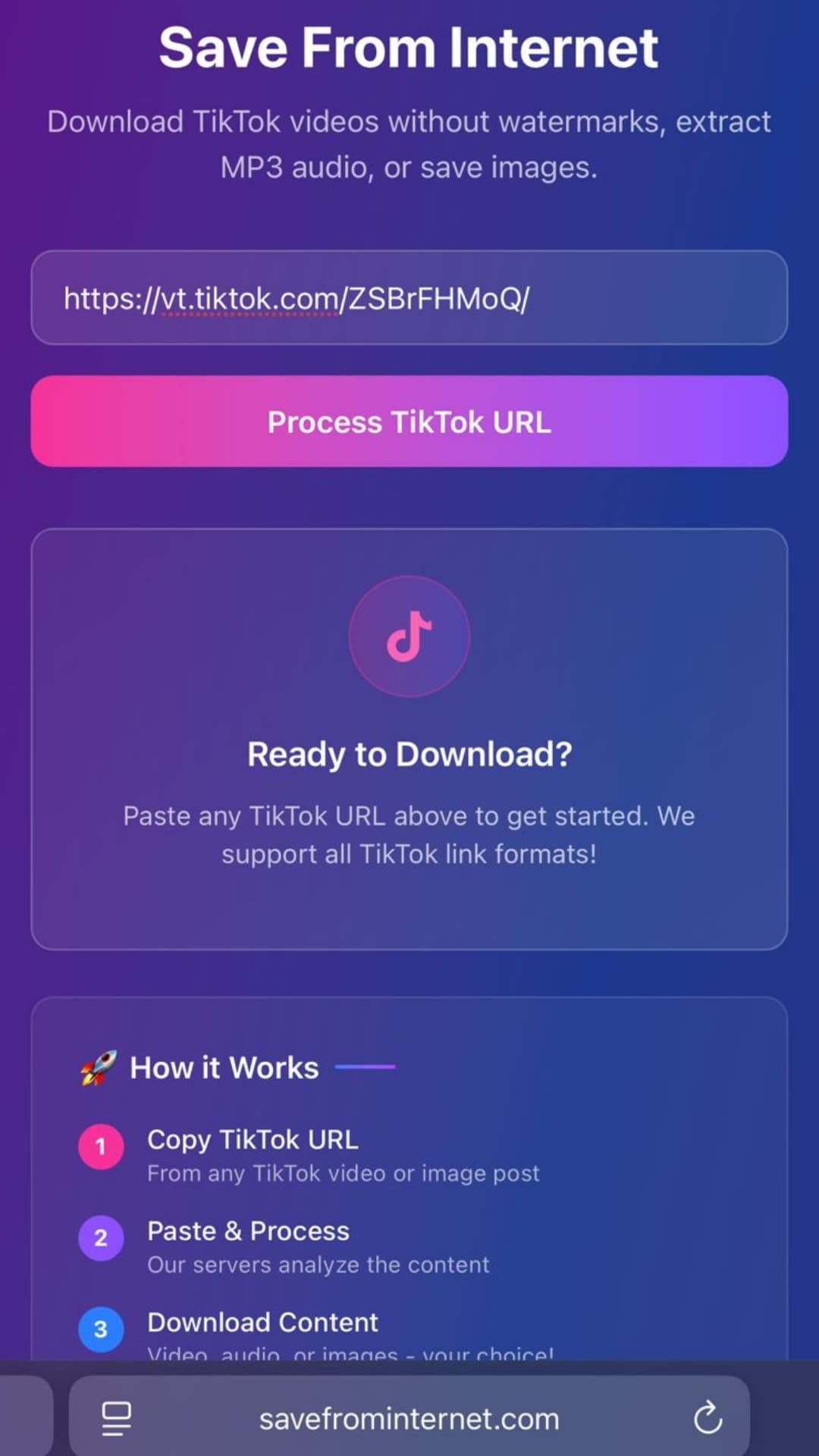
- Open savefrominternet.com
- Paste the URL into the input box
- Click Download
- Select Extract Audio (MP3)
- The MP3 file downloads to your device
What Audio Quality Can You Expect?
YouTube streams audio at 128 kbps for standard quality and up to 256 kbps for YouTube Music Premium content. Our extractor pulls the highest available audio stream — you get 128–320 kbps MP3 depending on the original upload.
YouTube to MP3 on iPhone
On iOS:
- Copy the YouTube URL
- Open Safari → go to savefrominternet.com
- Paste URL → click Extract Audio
- When the MP3 loads, tap and hold → Download Linked File
- Find it in the Files app → On My iPhone → Downloads
YouTube to MP3 on Android
- Copy the YouTube URL
- Open Chrome → go to savefrominternet.com
- Paste URL → tap Extract Audio
- The MP3 downloads to your Downloads folder
- Access via Files app or your Music player
Best Bitrate for YouTube to MP3
- 128 kbps — Acceptable for casual listening, small file size (~1 MB/min)
- 192 kbps — Good quality for most content, balanced size
- 320 kbps — Best quality, large file (~3 MB/min) — worth it for music
For music: always use 320 kbps. For speech/podcasts: 128 kbps is more than sufficient.
Frequently Asked Questions
Can I convert YouTube Music to MP3?
Yes, if you have the video URL. YouTube Music videos are standard YouTube videos accessible via youtube.com with a video ID.
Is the YouTube to MP3 converter really free?
Yes. There are no hidden fees, subscriptions, or watermarks at savefrominternet.com.
Can I use the MP3 commercially?
Only if the content is under a Creative Commons or royalty-free license. Most music on YouTube is copyrighted and not available for commercial use without a license.
Related Guides
Sponsored
Download Videos Without Watermark — Free
TikTok · Instagram Reels · YouTube Shorts · Facebook · Twitter/X
Paste any link and get an HD video, MP3, or photo ZIP in seconds. No app, no sign-up.
⬇ Download Now — It's Free